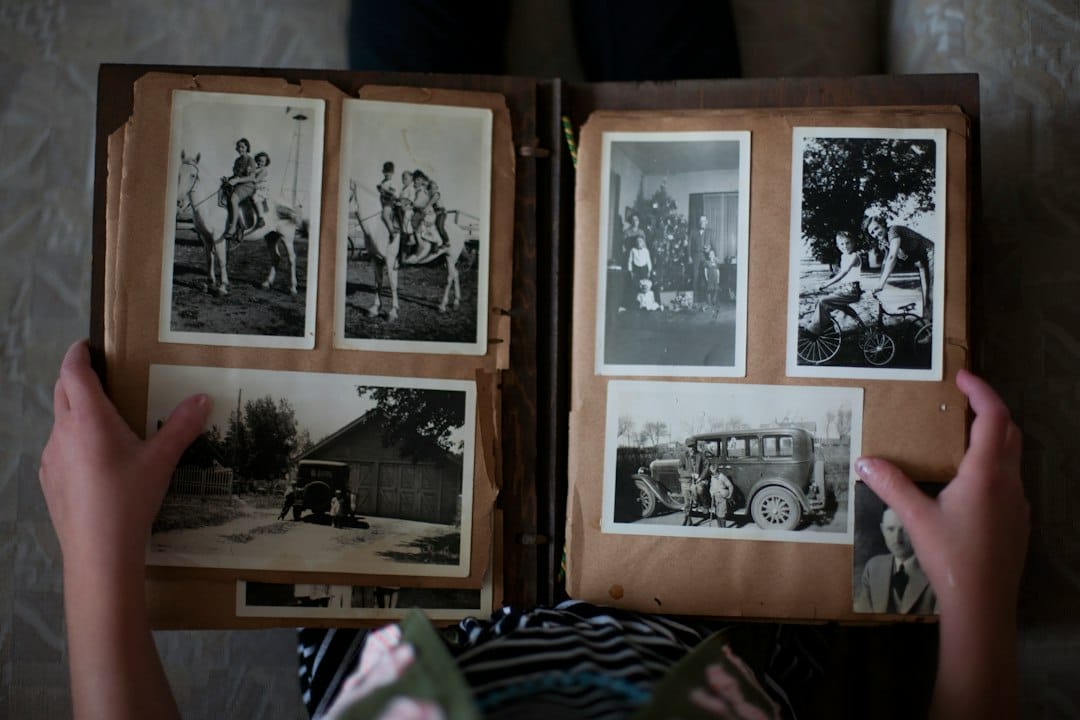
Digitizing old family photos is one of those projects that sounds straightforward until you’re three hours in, surrounded by envelopes and albums and a scanner that keeps jamming, wondering if you’re doing this right.
I work with old photographs regularly — scanning them, restoring them, assessing what’s worth saving and how. And there are things that consistently work and things that consistently don’t, and most of the ‘doesn’t work’ options are the ones people try first because they seem easiest.
Let’s talk through both.
What Doesn’t Work — Even Though It Seems Like It Should
Your phone camera
I know. Your phone camera is excellent. It probably takes better photos than cameras from ten years ago in many situations. But digitizing old photographs is not one of those situations.
The problem is geometry. A phone camera captures an image by projecting it through a lens at an angle that’s never perfectly perpendicular to the print, even when you try to hold it flat above the photo. The result is perspective distortion — the photo looks slightly skewed, with one edge appearing larger than another.
There’s also the issue of reflections. Old photographs have surface texture and sheen that catches phone camera light in ways a flatbed scanner’s controlled illumination doesn’t. You’ll end up with glare on parts of the image that obscures detail.
For a quick snapshot to text to a relative, a phone photo of an old photo is fine. For an archive you want to actually use and preserve, it’s not.
Pharmacy or drugstore scanning services
Many pharmacies offer photo scanning services — drop off your photos, pick up a USB drive or a disc. The pricing is usually very low.
The quality often reflects the price. Consumer-grade scanning services frequently scan at lower resolution than what you’d want for archival purposes, don’t calibrate for color accuracy, and handle fragile or damaged photos without special care. For generic snapshots in good condition, this might be fine. For anything irreplaceable or already fragile, I’d be cautious.
If you’re going to use a service, ask specifically about resolution (you want at least 600 dpi for standard prints, higher for smaller originals), color management, and how they handle fragile materials.
The ‘scan everything at once’ approach
This is a pacing problem rather than a technique problem, but it derails a lot of digitization projects.
People sit down, plan to scan the whole collection in a weekend, get through a quarter of it before burnout sets in, and the project stalls indefinitely. The remaining three-quarters sit in worse condition than they were before you started because now they’re out of their original storage and partly sorted into piles.
Digitization is a long project. Treat it like one. Set a realistic pace — an hour at a time, a few sessions per week — and build in rest.
What Actually Works
A flatbed scanner, at the right resolution
This is the baseline for good digitization. A dedicated flatbed scanner produces consistent, properly lit, geometrically accurate scans of flat materials. No perspective distortion. No glare from a camera flash or phone light. Consistent color.
For most standard prints (4×6, 5×7), scanning at 600 dpi produces a file that’s more than large enough for reprinting and sharing. For smaller originals — wallet-size photos, photobooth strips — scan at 1200 dpi or higher so you have room to enlarge later.
For photos that are already faded or damaged, higher resolution scans capture more of what remains in the image, which gives restoration work more to work with.
You don’t need an expensive scanner. Mid-range flatbed scanners from reputable manufacturers — Epson and Canon both make good ones — do this job well. If you have a large collection and buying a scanner feels like a significant investment, many public libraries have flatbed scanners available for patron use.
Clean, careful handling
Old photographs are more fragile than they look, and handling damage is real. Fingerprints leave oils that can cause long-term deterioration. Pulling a photo too quickly from a magnetic album page can tear the emulsion.
Handle prints by the edges. If you have cotton gloves, use them for particularly old or fragile photos. When removing photos from albums — especially the magnetic sticky-page type — work slowly and carefully. Some photos in those albums have been bonded to the page by adhesive over decades, and forcing them risks tearing.
For photos that are stuck to album pages and won’t come loose cleanly, scanning through the album may be better than risking damage to the original.
Multiple backup copies in multiple locations
This sounds obvious, but people skip it and regret it.
Once you have your scans, back them up in at least two places: a physical external drive and a cloud storage service. Not one or the other — both. External drives fail. Cloud services get discontinued or accounts get locked. Having copies in both places gives you real redundancy.
Organize your files before you back them up. Folder structure by decade, or by family branch, or by event — whatever makes it findable later. A folder of 400 scans named ‘IMG_0001’ through ‘IMG_0400’ is backed up but not useful.
Knowing what to send to a professional
Not every photo needs professional help. But some do, and trying to do it yourself can make things worse.
Photos that are very damaged — torn, heavily faded, affected by water damage or mold — benefit from professional restoration after scanning. The original print can only deteriorate further; a good scan captures what’s there, and a skilled restoration can recover detail that looks lost.
Photos that are stuck to backing, or where the emulsion is actively flaking, are better assessed by someone who handles fragile photo materials before you try to scan or move them.
If you’re not sure whether a photo needs professional attention or whether you can handle it yourself, bring it in for an assessment. That conversation doesn’t cost anything, and it can tell you a lot about what your options are.
Where to Start if You’re Overwhelmed
If you have a large collection and you’re not sure where to begin, start with the oldest and most fragile. Those are the ones with the shortest window before they deteriorate further.
Next, prioritize by irreplaceability. The one existing photo of someone who’s no longer here matters more than the four nearly identical snapshots from a birthday party in 1988. Triage your time and attention toward what can’t be replaced.
And if you’re genuinely overwhelmed — if the collection is large, the condition is poor, and you don’t know where to start — reach out. I’m glad to look at what you have and help you figure out a realistic plan. That initial conversation is always free, and it usually gives people a much clearer sense of what they’re actually dealing with.